LinkedIn Recruiter Workflow Tools for Recruiters (2026)
Compare 4 recruiting workflow tools that sit alongside LinkedIn Recruiter: sequences, CRM, analytics and pricing, with every LinkedIn action left to you.


The tools recruiters compare most in 2026 are LinkedIn Recruiter’s own features, Gem, Loxo, and recruiting workspaces like Leonar that organize the work around the Recruiter seat. Each one covers a different part of the job: keeping a candidate pipeline, running email sequences, and following up across email and other channels. This guide compares all four by what they do, who they fit, and what they cost.
Whether you use LinkedIn Recruiter Corporate, Lite, or Sales Navigator, the right workflow tool can sharpen your hiring process. Below we walk through the types of tools first, then review each one so you can pick the fit for your team.
One rule runs through the whole article. A workflow tool should never act on LinkedIn for you. It can prepare, draft, organize and remind. Sending a message, a connection request or an InMail on LinkedIn is something you do yourself, from your own account. If you need candidate data out of Recruiter, see our guide on how to export candidates from LinkedIn Recruiter with LinkedIn’s own options.
Why use a workflow tool alongside LinkedIn Recruiter?
Let’s talk about why a workflow tool is valuable next to Recruiter. First, it saves time on the admin. Instead of tracking follow-ups in a spreadsheet, the tool keeps every step in one place and reminds you when something is due.
Next, it helps you reach more people. Workflow tools manage multichannel outreach, so you are not limited to LinkedIn. Email, SMS and WhatsApp steps run on their own inside a sequence, and a candidate who ignores an InMail often answers an email.
Finally, it keeps things organized. With a shared pipeline, your whole team sees where each candidate stands, what was sent, and what you logged after your LinkedIn conversations. If your current CRM is not cutting it, take a look at the top Bullhorn alternatives for recruiters to find a better fit.
So, ready to make your life easier? Let’s walk through the types of tools you can use.
Types of workflow tools that work with LinkedIn Recruiter
There are several types of tools, each designed for a different stage of your process. Let’s break them down.
Candidate pipeline and CRM tools
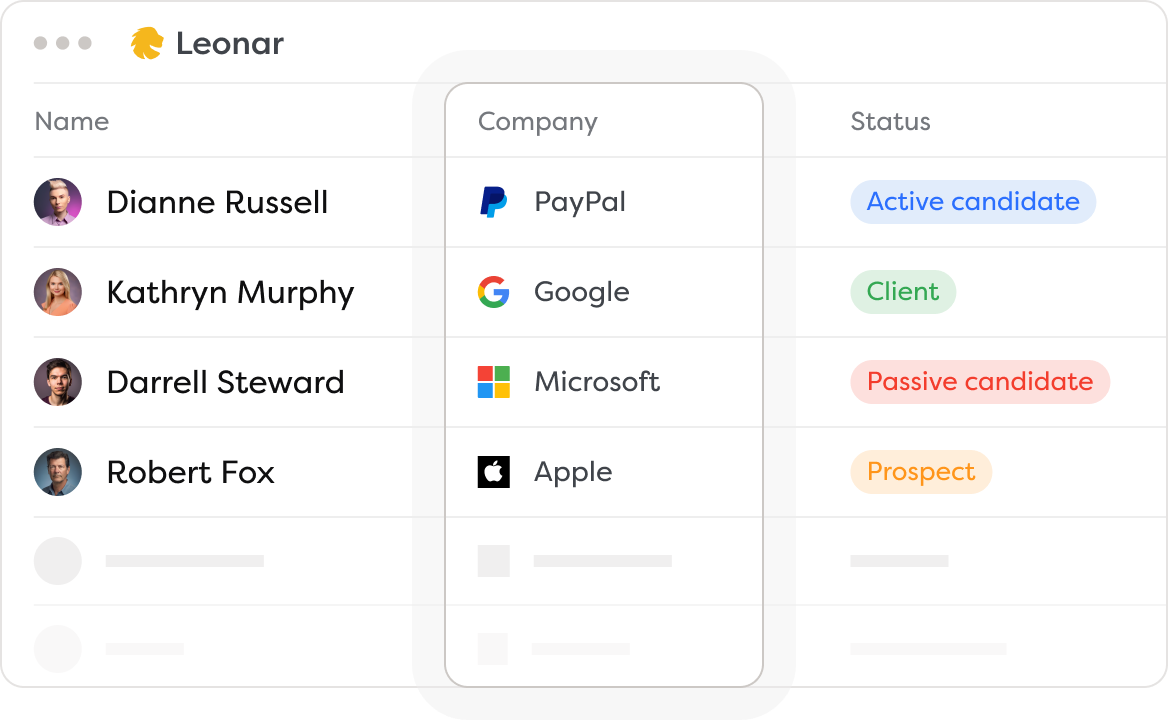
Pipeline tools are about keeping your candidates organized once they are in your workspace. Imagine one board where every candidate you decided to keep sits in a stage, with the notes, the emails and the tasks attached.
How do candidates get there? Through your ATS, through a CSV file, through the tool’s own candidate database, or one at a time with a browser extension that creates a candidate record from the details you confirm. Once the record exists, the CRM can clean and enrich it from its own data sources, so contact details are ready when you start a sequence.
But you might wonder: is it all allowed? It depends on how the tool works. LinkedIn’s automated-activity policy prohibits unauthorized third-party software or browser extensions that automate activity on its website or copy its data. Using your own login does not change that. Prefer tools where you decide, profile by profile, what goes into your CRM, and where exports from LinkedIn happen only through LinkedIn’s own account options.
Sequence and follow-up tools
Now, let’s talk about messaging. Reaching out to candidates takes time, especially when you follow up several times. That is where sequence tools come in. They send personalized emails and drip follow-ups on a set cadence, and stop when the candidate replies. If you want a deeper look at how this works, check out our guide on multichannel outreach for recruiters.
Imagine a sequence where a candidate who has not replied to your email within a week receives a short follow-up email on its own. The cadence keeps the conversation going without you remembering every touch.
LinkedIn steps work differently in these tools, and it matters. LinkedIn steps are tasks you complete yourself on LinkedIn. The tool prepares the draft and surfaces the task on the right day. You send the message from your own account and mark it as done. Timing is set in days, and conditions apply only to email or WhatsApp replies.
The best part? These tools handle volume on email while keeping it personal. You can customize message templates with variables and AI-drafted lines, so each message feels written for the recipient.
Multichannel outreach tools
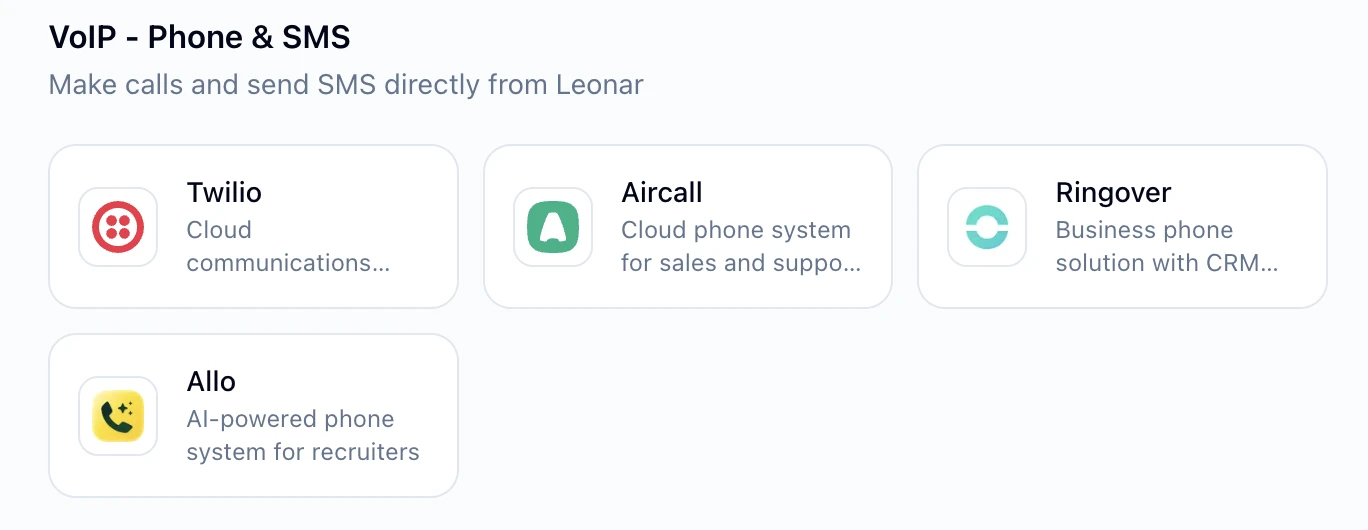
Finally, let’s discuss multichannel outreach tools. These tools let you reach candidates not just through a LinkedIn task, but through email, SMS and WhatsApp as well. This approach reaches candidates where they are most active.
For example, you might start with a LinkedIn task, continue by email three days later, and follow up on WhatsApp a week after that, all planned in the same sequence. This keeps your communication consistent and increases your chances of a response.
Using multiple channels also helps you stay top of mind. Candidates are more likely to engage when they see a consistent message across channels. Plus, it gives you the flexibility to switch channels if one is not working.
The recruiting workflow tools that sit alongside LinkedIn Recruiter
1. Leonar
Leonar is a recruiting workspace built for teams that use LinkedIn Recruiter, Corporate, Lite, or Sales Navigator. It helps you keep a candidate pipeline, build sequences and organize communication across channels.
The Sequence Editor makes the full candidate journey visible before launch. Recruiters can branch on email availability, choose which steps run on their own (email, SMS, WhatsApp) and which are LinkedIn tasks, and review each message beside the workflow. Email, SMS and WhatsApp replies return to the unified multichannel inbox instead of being scattered across individual accounts.
What it’s best for:
It is strong for multichannel sequences, including email and WhatsApp, which makes it useful for recruiters with complex outreach cadences. You can add a WhatsApp voice note recorded from your desktop inbox as a step, and AI variables draft a personalized line for each candidate. It runs alongside your Recruiter seat rather than replacing it, and it never acts on LinkedIn for you.
Pros and cons:
Pros: one pipeline for candidates from your ATS, CSV files and Leonar’s own database; customizable sequence scenarios for targeted outreach; multichannel cadences with email, SMS and WhatsApp steps plus LinkedIn tasks; desktop voice notes recorded in the inbox and AI-drafted sequence variables.
Cons: Can be complex to set up initially.
Pricing:
Pricing depends on your team size, workflow and channels. For a shortlist, ask each vendor what is included in the base plan and which features require add-ons.
2. LinkedIn Recruiter
LinkedIn Recruiter offers its own messaging features, focused on activity inside LinkedIn.
What it’s best for:
Best for the LinkedIn steps themselves, especially on LinkedIn Recruiter Corporate.
Pros and cons:
Pros: templates, a send-to-multiple InMail option and one scheduled follow-up; fully inside LinkedIn, so nothing to reconcile.
Cons: Limited workflow features; single-channel only, with no coverage of email, SMS or WhatsApp alongside it.
Pricing:
The send-to-multiple option is available only with LinkedIn Recruiter Corporate, which uses quote-based pricing.
Not sure the seat is worth it? Review your LinkedIn Recruiter costs plan by plan.
3. GEM
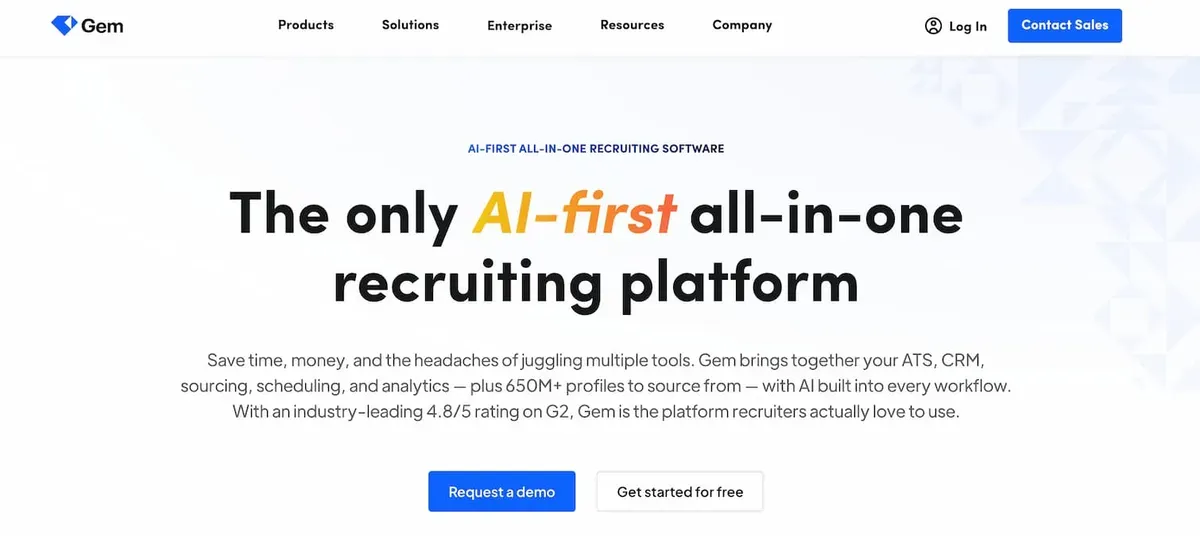
GEM is a recruiting platform with sequence features, mainly focused on recruitment analytics and pipeline reporting.
What it’s best for:
Best for recruiters who need robust analytics alongside email sequences.
Pros and cons:
Pros: Powerful analytics; supports email sequences.
Cons: Less depth on multichannel sequences than a dedicated outreach tool; higher cost.
Pricing:
GEM runs two product lines. Its core in-house plans (Gem + Your ATS, All-in-One) are custom and FTE-based, with a startup tier around $130/month billed yearly ($270 standard) for teams under 30 employees (Gem pricing, as of August 2026).
Its separate staffing product publishes per-user pricing: Essentials $99/user/month billed yearly ($139 monthly, up to 3 users), Professional $149 ($199 monthly, up to 10 users), a custom Enterprise plan, and a 7-day trial (Gem staffing pricing, as of August 2026).
If you want an all-in-one built for agencies, our Leonar vs Gem comparison puts the two side by side on pricing and outreach.
Looking for a GEM alternative? Compare pricing, features and reviews in our guide to the top GEM alternatives.
4. Loxo
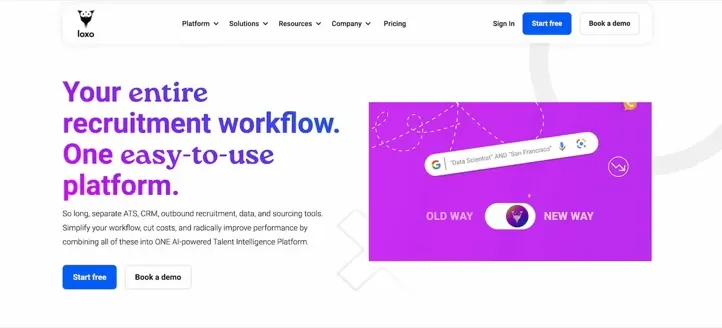
Loxo is a recruiting platform that pairs an ATS and CRM with sourcing and outreach sequences for email and SMS, plus phone and meeting workflows.
What it’s best for:
Good for recruiters who want an all-in-one ATS with built-in email and SMS outreach.
Pros and cons:
Pros: Combines ATS, CRM and sourcing in one place; supports email and SMS sequences alongside phone and meeting workflows.
Cons: Built around its own platform, so it is less focused on multichannel sequencing than a dedicated outreach tool.
Pricing:
Loxo lists Core at $149 and Professional at $199 per user per month (both billed annually), with Enterprise on a custom quote and a 7-day Professional trial (Loxo pricing, as of August 2026).
Tools we left out, and why
We left out browser tools that send LinkedIn messages, connection requests or profile visits on your behalf. Whatever their price, they operate outside the LinkedIn User Agreement, and we do not recommend them. The four tools above leave every LinkedIn action to you.
What if I am using LinkedIn Sales Navigator?
If you use LinkedIn Sales Navigator, the same logic applies. Sales Navigator is where you search and message, and a workflow tool is where you keep the pipeline, the email sequences and the tasks. Nothing changes in how the two sides split the work.
Looking for a different sourcing setup? Check our guide to the best alternatives to LinkedIn Recruiter.
How to choose a workflow tool for LinkedIn Recruiter
Start with the task your team repeats most often. If keeping the pipeline clean slows everyone down, prioritize a CRM with enrichment. If follow-ups are the bottleneck, look for sequence logic on email and WhatsApp, reply detection, and clear task steps for LinkedIn. Then ask the vendor one direct question: does the tool ever act on LinkedIn for me? The right answer is no.
LinkedIn Recruiter workflow tools: wrapping up
A workflow tool next to LinkedIn Recruiter makes your hiring process a lot easier. From the candidate pipeline to email cadences and multichannel sequences, these tools save time on everything around the LinkedIn step. Whether you choose Leonar, LinkedIn’s own features, GEM or Loxo, each has its strengths. Pick the one that fits your process, keep every LinkedIn action in your own hands, and start tightening your recruiting cadence today.
A controlled workflow
Compare tools that help prepare, centralize and track outreach; verify permissions before use.
Centralize multichannel outreach, prepare follow-ups, and keep control of the actions available in each account.
Frequently asked questions
Can a tool coordinate a workflow around LinkedIn Recruiter?
Yes, as long as the tool stays on its side of the line. LinkedIn Recruiter includes native features like templates, a send-to-multiple InMail option on Corporate and one scheduled follow-up. A recruiting workflow tool like Leonar adds what happens around it: the email, SMS and WhatsApp steps run on their cadence, while the LinkedIn steps are prepared as tasks that you review and send from your own account.
Is LinkedIn Recruiter automation against LinkedIn's terms?
LinkedIn's User Agreement and its automated-activity policy prohibit third-party software or browser extensions that automate activity on LinkedIn or copy its data. Tools that send messages or connection requests on your behalf operate outside that agreement, and signing in with your own account does not change that. Choose tools where every LinkedIn action stays with you, and check the policy before you scale: https://www.linkedin.com/help/linkedin/answer/a1340567
What is the best workflow tool to use with LinkedIn Recruiter?
There is no single best tool for every team. Leonar fits teams that want multichannel sequences and a CRM next to their Recruiter seat, Gem adds recruitment analytics, and Loxo bundles an ATS. Start with the task your team repeats most and pick the tool that removes it without touching your LinkedIn account.
Answer 3 quick questions and we will recommend the best option for your hiring workflow.
How large is your recruiting team?

Author
Pierre-Alexis ArdonCo-founder
Pierre-Alexis Ardon is co-founder of Leonar, where he focuses on building AI-powered recruiting systems, assisted sourcing, and search optimization. With a background in engineering and over 7 years working at the intersection of artificial intelligence and talent acquisition, he designs the algorithms that power Leonar's candidate matching and workflow assistance. Pierre-Alexis advises recruitment agencies on their digital transformation and regularly publishes analyses on how AI agents are reshaping HR workflows. He is passionate about making advanced technology accessible to recruiters who are not engineers.
Related articles
-
 LinkedIn Recruiter
LinkedIn Recruiter Alternatives: 7 Real Options for 2026
-
 LinkedIn Recruiter
Cheap LinkedIn Recruiter Alternatives: 6 Tools Ranked by Price (2026)
-
 LinkedIn Recruiter
LinkedIn Recruiter InMail Credits: Official Email Option


