Candidate Sourcing Software: How to Choose (2026)
What candidate sourcing software does, how it differs from an ATS, key features to evaluate, and the best tools compared with pricing.


Candidate sourcing software helps recruiters find qualified candidates before they apply. Instead of waiting for applications to come in, these tools let you search databases of hundreds of millions of professional profiles, identify matches based on skills and experience, and reach out directly.
The category has expanded rapidly. Tools now combine AI-powered search, contact enrichment, automated outreach, and CRM-style pipeline management into a single platform. Choosing the right one depends on your team size, hiring volume, budget, and how much of your sourcing you want to automate. If you are weighing sourcing tools against the wider market, our roundup of the best AI recruiting tools compares them across screening, interviewing, and outreach too.
This guide explains what sourcing software does, how it differs from an ATS and a CRM, the features that matter most, and how to evaluate tools for your specific needs. We also compare 13 of the best tools on the market with pricing. For detailed tool reviews with pros, cons, and feature breakdowns, see our best talent sourcing platforms guide.
What is candidate sourcing software?
Candidate sourcing software is any tool that helps recruiters proactively identify and contact potential candidates, as opposed to waiting for people to apply to posted jobs. The core workflow looks like this:
- Search: Query a database of professional profiles using filters like job title, location, skills, company, and seniority. Most tools aggregate data from LinkedIn, GitHub, personal websites, patents, publications, and other public sources.
- Identify: Review matching profiles, score them against your requirements, and shortlist the strongest fits. AI-powered tools do this automatically, ranking candidates by relevance.
- Enrich: Find contact information (email, phone, LinkedIn) for shortlisted candidates. Many tools include built-in enrichment or integrate with email finder tools.
- Engage: Send personalized outreach via email, LinkedIn InMail, or multi-channel sequences. The best platforms let you automate follow-ups while keeping messages personal.
- Track: Monitor response rates, manage candidate pipelines, and measure sourcing effectiveness over time using strategic sourcing KPIs.
You end up reaching qualified candidates before your competitors do, without relying entirely on job boards and inbound applications.
Sourcing software vs ATS vs CRM: what is the difference?
These three tool categories overlap but serve different purposes. Most recruiting teams need at least two of them.
**Sourcing software** answers the question "Where do I find candidates?" It is the first step in the funnel.An ATS answers “How do I manage candidates through interviews and offers?” It is the middle of the funnel. See our best ATS for recruitment comparison.
A CRM answers “How do I keep candidates warm for future roles?” It is the long game. See our candidate relationship management guide and best recruitment CRM comparison.
Many modern platforms blur these lines. Tools like Gem, Loxo, and Bullhorn combine sourcing, CRM, and outreach in a single product. Others (like LinkedIn Recruiter or SeekOut) focus purely on search and discovery, requiring separate tools for the rest of the workflow, though AI-native workflows now let you source LinkedIn Recruiter with Claude instead of clicking filters by hand.
For a deeper analysis, see our guide on ATS or CRM: what is the best software for recruitment?
Key features to evaluate
When comparing sourcing tools, these are the capabilities that separate good from great:
Database size and freshness
The tool’s value is directly tied to its data. Key questions:
- How many profiles does the database contain? Leading tools index 500M to 1B+ profiles.
- How often is the data updated? Stale data means bounced emails, wrong job titles, and wasted outreach.
- What sources does it aggregate? LinkedIn-only tools miss candidates who are active on GitHub, Stack Overflow, or personal blogs.
Search precision
Basic keyword search is not enough. Look for:
- Boolean search support: AND, OR, NOT operators for complex queries. See our Boolean search guide for syntax and templates.
- AI-powered semantic search: Natural language queries like “backend engineer who has worked at a Series B fintech” that understand intent, not just keywords.
- Filter depth: Location, seniority, current/past company, years of experience, skills, education, and diversity filters.
Contact enrichment
Finding a profile is only useful if you can reach the person. Evaluate:
- Does the tool provide verified email addresses and phone numbers?
- What is the verification accuracy rate? Look for 90%+ email deliverability.
- Is enrichment included in the base price or charged per credit?
For dedicated enrichment tools, see our email finder for recruiters comparison.
Outreach automation
The ability to send personalized messages at scale:
- Multi-channel sequences: automated email and WhatsApp with LinkedIn touches as tasks, in a single workflow. See our guide to multichannel outreach.
- Personalization variables: Merge fields (name, company, title, skills) for tailored messaging without manual editing.
- Follow-up automation: Scheduled follow-ups that stop when a candidate replies.
- A/B testing: Test subject lines, message copy, and send times to optimize response rates.
AI candidate matching and scoring
AI that goes beyond search to actively recommend candidates:
- Automatic matching of candidates to open roles based on job descriptions.
- Profile scoring and ranking so you review the best fits first.
- “Rediscovery” of candidates already in your database who match new roles.
Integrations
No sourcing tool works in isolation. Check for:
- ATS integration (bi-directional sync with Greenhouse, Lever, Workday, etc.)
- A candidate database of its own, so sourcing does not depend on a rented seat
- HRIS and calendar integration for scheduling
- Chrome extension that creates a record from the details you confirm
Analytics and reporting
Data to measure and improve your sourcing:
- Response rates by channel, message template, and recruiter
- Pipeline velocity (time from sourced to hired)
- Source effectiveness (which channels produce the most hires)
- Team performance dashboards
13 best candidate sourcing software compared
Here is a quick comparison of the leading tools. For in-depth reviews with pros, cons, and feature analysis, see our best talent sourcing platforms guide.
### LinkedIn RecruiterThe default sourcing tool for most recruiters. Access to LinkedIn’s full 1B+ member database with 40+ search filters, Spotlights for engagement signals, and InMail for direct outreach. Available in Lite and Corporate versions. To get the most out of the platform, review these 7 proven sourcing techniques for LinkedIn Recruiter.
Best for: Any recruiter who sources primarily from LinkedIn. Works well as a standalone tool for small teams or as a discovery layer paired with a CRM for larger teams.
Pricing: Recruiter Lite ~$170/mo, Corporate ~$835/mo. See our LinkedIn Recruiter cost breakdown.
Leonar
Searches from one platform: a proprietary 870M+ profile database you can search from the Professional plan, with profile reveals paid in credits, alongside your own existing candidate contacts.
That database is what is rare in this price band: most tools here resell the same third-party pools or ship a browser extension and nothing else. Outreach sequences combine automated email and WhatsApp steps with LinkedIn touchpoints you complete yourself. AI scoring ranks profiles by relevance.
Built-in CRM tracks the pipeline.
If you already pay for LinkedIn Recruiter, the main value is coverage that seat does not give you. If you want to source beyond LinkedIn, the 870M+ native database is open from the Professional plan, with reveals paid in credits, and AI sourcing on top of it comes with Professional at a published price, not gated behind a “contact us” tier.
Best for: Recruiting agencies and in-house teams who source primarily on LinkedIn and want AI sourcing, multi-channel outreach, and CRM in one transparent price.
Leonar Professional costs $199 per user per month, $169 with a 12-month commitment billed monthly, or $149 with annual prepayment. It includes AI Copilot, sourcing and matching, multichannel sequences, a centralized inbox, contact enrichment credits, and API and MCP access. Tailored AI workflow implementation and support are quoted separately, from five users. Current Leonar pricing.
Gem
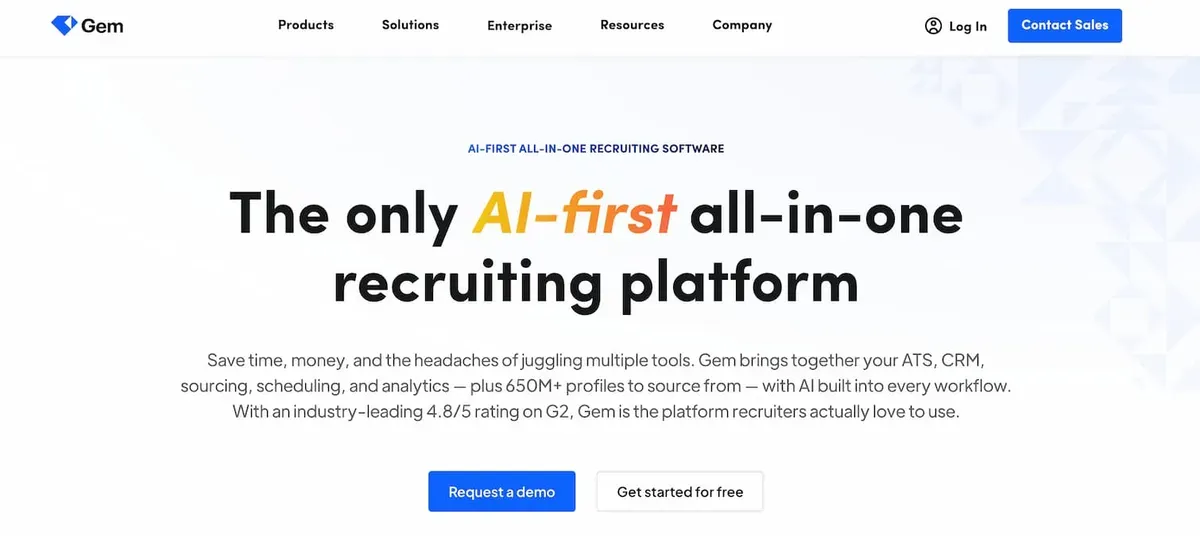
Combines sourcing, CRM, outreach sequencing, and analytics in one platform. Gem’s AI agents automatically resurface candidates from your existing database who match new roles (“rediscovery”), and its nurture sequences track engagement over time. Deep integrations with Greenhouse, Lever, Workday, and Ashby.
Best for: Mid-to-large in-house teams that want sourcing + CRM + analytics without juggling multiple tools.
Gem now sells a staffing product with public per-user pricing aimed at agencies, though its in-house DNA can still be a poor fit for a lean agency. Our Leonar vs Gem comparison weighs the two on pricing, channels, and workflow, and our roundup of Gem alternatives covers lighter options.
Pricing: Gem’s staffing product publishes public per-user rates: Essentials $99/user/month billed yearly ($139 monthly), Professional $149 ($199 monthly), with a custom Enterprise plan and a 7-day trial. Its core in-house tier stays custom. (Gem staffing pricing, as of July 2026.)
SeekOut
Searches 800M+ profiles with strong diversity sourcing features, EEOC filters, veteran status, and diversity analytics. Also excels at technical talent discovery through patent, publication, and GitHub data.
Best for: Enterprise teams with diversity hiring goals and technical recruiting needs.
Pricing: Custom pricing based on team size and features.
HireEZ
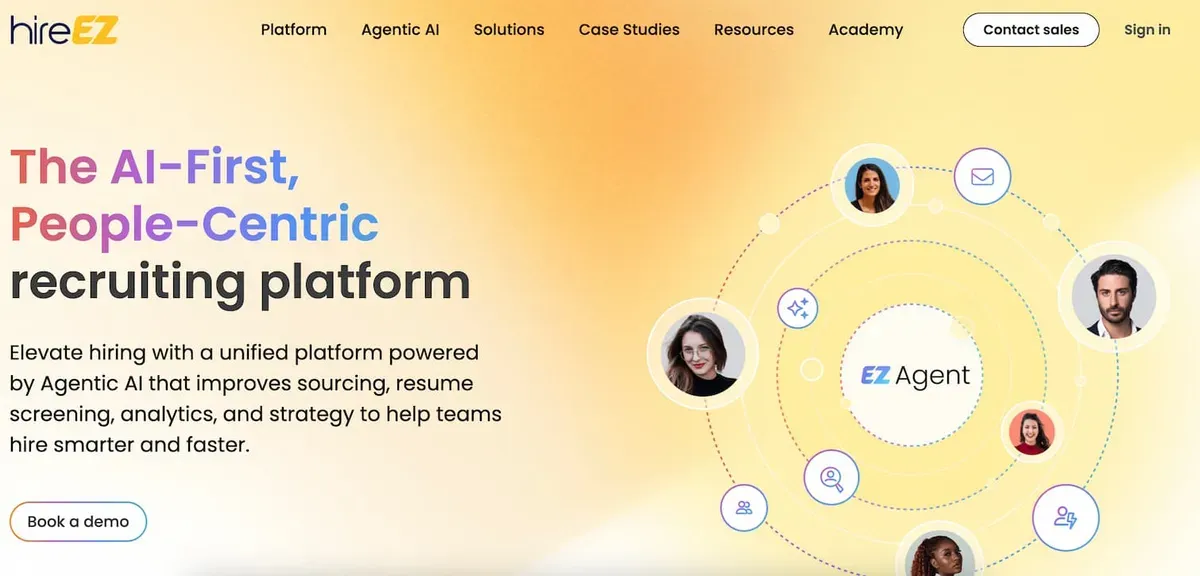
AI-powered sourcing across 45+ platforms (LinkedIn, GitHub, Stack Overflow, academic databases). Features Boolean and AI search modes, automated outreach sequences, and market talent mapping.
Best for: Teams that source beyond LinkedIn and need broad coverage across technical and niche platforms.
Pricing: From $169/user/month (Startups plan). Professional plan from $199/user/month.
Fetcher
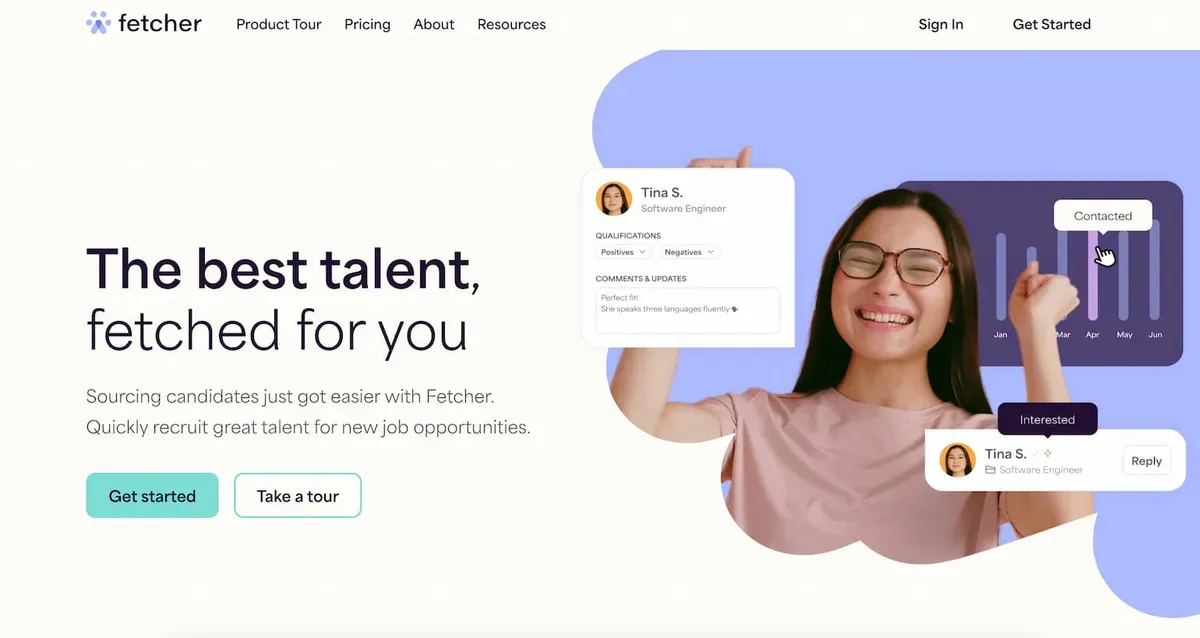
Combines AI automation with human recruiter review. You set sourcing criteria, Fetcher’s AI finds candidates, and human reviewers verify quality before presenting a curated shortlist. Also includes automated email outreach.
Best for: Teams that want AI efficiency but value human quality checks on sourced candidates.
Pricing: From $149/user/month. Free version with limited features available.
AmazingHiring
Aggregates data from 50+ sources with a strong focus on technical profiles, GitHub contributions, Stack Overflow activity, Kaggle competitions, and more. AI scoring rates candidates based on technical skill indicators beyond self-reported data.
Best for: Engineering-heavy companies hiring developers, data scientists, and DevOps engineers.
Pricing: From ~$300/user/month. Enterprise plans available.
Loxo
All-in-one platform combining sourcing (850M+ profile database), CRM, ATS, and multi-channel outreach. Core ($149/user/month) covers the ATS, CRM and natural-language AI search, while the 850M+ Source graph and agentic AI sit on the $199 Professional tier.
Best for: Agencies and small teams that want one platform for the entire recruiting workflow without paying for separate tools.
Pricing: Core at $149/user/month and Professional at $199 (both billed annually), Enterprise custom, with a 7-day Professional trial.
Juicebox (PeopleGPT)
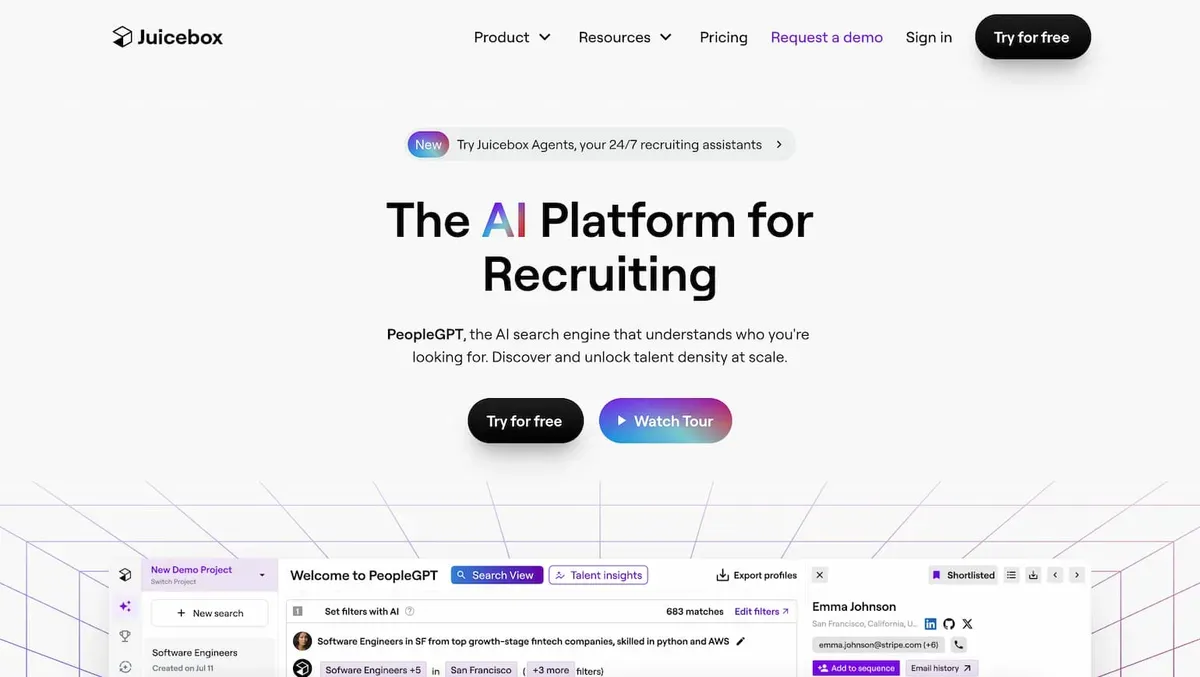
Natural language AI search, describe the candidate you want in plain English (e.g., “senior product designer who worked at a B2B SaaS company in Europe”) and the AI finds matches. No Boolean syntax needed.
Best for: Recruiters who find Boolean search complex and prefer conversational AI interfaces. For a detailed comparison with similar AI-powered tools, see our top Juicebox alternatives.
Pricing: From $79/seat/month (annual billing). Free trial available.
Manatal
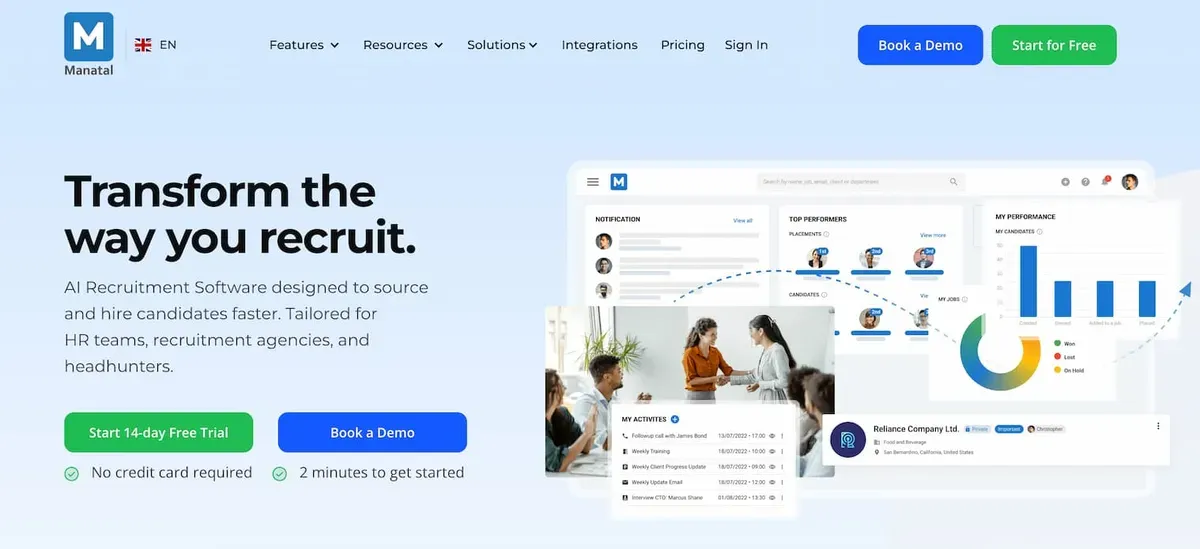
Cloud-based ATS with integrated sourcing features at a budget-friendly price. Includes AI candidate scoring, LinkedIn Chrome extension for profile import, social media enrichment, and kanban pipeline management.
Best for: Small to mid-sized teams that need ATS + basic sourcing without enterprise pricing.
Pricing: From $15/user/month. 14-day free trial.
Findem
Uses an “attribute-based” search approach, instead of filtering by keywords, you search by professional attributes (career trajectory, company growth stage, funding history) that traditional filters cannot capture.
Best for: Strategic hiring where you need candidates with specific career patterns, not just keyword matches.
Pricing: Custom pricing. Demo available.
Bullhorn
The industry-standard platform for staffing agencies. Combines a candidate database with a sales CRM, automated workflows (via Herefish), and integrations with major job boards. Sourcing features include resume parsing, LinkedIn integration, and talent marketplace access.
Best for: Medium to large staffing agencies managing both candidate and client relationships.
Pricing: Starter from $99/user/month. Corporate from $199/user/month. Enterprise: custom.
Humanly
Conversational AI platform that automates the early screening stage. A chatbot engages candidates with qualifying questions, schedules interviews, and surfaces top matches, reducing manual screening time by up to 80%.
Best for: High-volume hiring teams (retail, hospitality, healthcare) where initial screening is the bottleneck.
Pricing: Custom pricing based on hiring volume.
How to choose the right sourcing tool
The best tool depends on your specific context. Here is a framework for deciding:
By team size
- Solo recruiter or small team (1-5): Start with LinkedIn Recruiter Lite + Manatal or Loxo ($149 Core). Low cost, covers search + basic CRM + outreach.
- Mid-size team (5-20): Gem, HireEZ, or SeekOut. These provide the analytics, collaboration features, and automation that growing teams need.
- Enterprise (20+): SeekOut, Gem, or Findem. Enterprise features include SSO, advanced reporting, compliance tools, and dedicated support.
By hiring focus
- Technical roles: AmazingHiring or HireEZ, they index GitHub, Stack Overflow, and technical communities that general tools miss.
- Diversity hiring: SeekOut, strongest diversity filters and analytics in the category.
- High-volume hiring: Humanly, conversational AI handles initial screening at scale.
- Agency recruiting: Bullhorn or Loxo, built for managing multiple clients and candidate pipelines simultaneously.
- Budget-conscious: Manatal ($15/mo) or Loxo ($149 Core), serious features at accessible prices.
By workflow preference
- All-in-one: Loxo or Gem, sourcing, CRM, outreach, and analytics in a single platform.
- Best-of-breed: LinkedIn Recruiter for sourcing + a separate CRM (best recruitment CRMs) + an outreach tool (recruiting automation). More flexibility, more integrations to manage.
- AI-first: Juicebox or Findem, if you want AI to handle candidate discovery rather than manual filter-based search.
How to evaluate candidate sourcing software in 2026: a buyer’s checklist
Most buying decisions in this category go wrong not because the chosen tool is bad, but because the evaluation skipped the questions that actually matter once the contract is signed. Use this short checklist on every demo you run in 2026.
First, ask how the database is refreshed. A 1B profile count looks impressive, but if 30% of the titles are two years stale, your top talent shortlist is fiction and your emails will bounce. Ask for the refresh cadence, the share of profiles with verified emails, and the deliverability rate on last month’s sends.
Second, force a real search during the demo. Bring one of your actual open roles and run it live in the tool. Ignore the demo environment the vendor prepared. If the results feel generic, they will feel generic on Monday too.
Third, test the sourcing engine specifically. Many vendors claim broad coverage and deliver a thin Chrome extension that adds one profile at a time. The ones worth paying for bring their own candidate database, rank results against your brief, and give you a clean CSV import path for the history you export yourself.
Fourth, audit the outreach workflow end to end. Can you run a five-step sequence across email and WhatsApp, with LinkedIn steps as reminders, without exporting to a separate tool? Does the sequence stop automatically when a candidate replies by email or WhatsApp? Can you A/B test subject lines? If outreach requires a second subscription, the true cost of the tool just doubled.
Fifth, check the ATS and CRM sync. “Integrates with your ATS” can mean bidirectional sync in real time, or a nightly CSV export that your ops team cleans up by hand. The difference is weeks of productivity per year.
Sixth, confirm the pricing is really the price. A growing share of vendors publish a low entry tier and gate AI sourcing, the native database, and multi-channel sequences behind a custom Professional tier that the sales team only reveals after two calls. Ask early, in writing, whether the features you need are on the published price list. If they are not, add 40% to 100% to the quoted annual cost when building your shortlist.
Seventh, validate the data privacy posture. If you recruit in Europe, your sourcing tool processes candidate data on your behalf and falls under GDPR. Ask where the data is stored, how candidates can request deletion, and whether the vendor will sign a standard data processing agreement without friction.
How much does candidate sourcing software cost in 2026?
Pricing in 2026 falls into five rough bands. Knowing the band tells you what workflow the vendor is optimizing for, and whether the headline price is the real price.
Under $20 per user per month: Manatal at $15 per user per month sits here. Real features, honest pricing, but small databases or hard caps on outreach volume. Good for solo recruiters and agencies just starting out. With no budget at all, a free Google X-ray search generator builds a Boolean site:linkedin.com query that surfaces public LinkedIn profiles through Google.
$75 to $199 per user per month: the modern all-in-one band. Juicebox (PeopleGPT) at $79, Leonar Professional at $199, Loxo at $149 Core and $199 Professional, and Gem’s staffing tiers at $99 to $149 billed yearly. This band typically bundles a native sourcing database, AI search, and multi-channel outreach at a published price. Best-fit for 3 to 30 person recruiting agencies and in-house teams who want one transparent monthly bill.
$150 to $250 per user per month: HireEZ Professional ($199), LinkedIn Recruiter Lite (about $170), Fetcher ($149). This band is where specialty meets breadth, either deep LinkedIn access or broad cross-platform coverage, but rarely both in one tool.
$250 to $500 per user per month: AmazingHiring (about $300) and LinkedIn Recruiter Corporate (about $835 per month per seat, roughly equivalent to this band annualized). These are specialist tools for technical hiring at scale or a Fortune 500 talent team.
Custom “contact sales” pricing: SeekOut, Findem, Gem’s Enterprise tier, Humanly, Bullhorn Enterprise. Expect $180 to $400 per user per month once the quote arrives, often with an annual-only commitment.
This is also where you see the “Professional tier gated behind a contact us” pattern: the published entry price is low, the real price of AI sourcing and the native database is custom. For a transparent ATS and CRM alternative built for agencies, see our best recruitment CRM and best ATS for executive search firms comparisons, plus our dedicated ranking of the best CRM for recruiting agencies.
A final note on total cost of ownership. Once you factor in LinkedIn Recruiter seats, credit packs for enrichment, onboarding time, and the cost of the ATS the sourcing tool syncs into, the $119 headline quickly becomes $400 per recruiter per month. The tools that publish their real Pro tier price tend to produce fewer surprises 12 months in.
Common mistakes when selecting sourcing software
Choosing based on database size alone. A tool claiming 1B profiles means nothing if the data is stale, unverified, or irrelevant to your market. Ask for data freshness metrics and email deliverability rates during demos.
Ignoring outreach capabilities. A sourcing tool that finds candidates but cannot help you contact them creates a handoff problem. You end up copy-pasting profiles between tools. Prioritize tools with built-in outreach or tight integrations with your messaging platform.
Paying for features your team will not use. Enterprise platforms like SeekOut and Findem are powerful but complex. If your team hires 20 people a year, you do not need talent analytics dashboards and market mapping. Match the tool to your actual hiring volume.
Not testing with your real searches. Every tool demos well with generic searches. During evaluation, run your actual open roles through each platform and compare the quality and quantity of results. A tool that excels for engineering roles may underperform for sales or marketing.
Overlooking integration quality. “Integrates with your ATS” can mean anything from a robust bi-directional sync to a basic CSV export. Test the actual integration during your trial, does candidate data flow automatically, or does your team need to manually sync?
Neglecting the outreach learning curve. Multi-channel automation tools are powerful but require setup: email domain warming, WhatsApp number setup, message template creation. Factor in 2-4 weeks of onboarding before you see results.
Which candidate sourcing software fits your team in 2026?
Pick your sourcing tool based on your actual bottleneck, not a feature checklist. If the problem is finding candidates, focus on search quality (SeekOut, Findem). If it is reaching them, prioritize enrichment and outreach (HireEZ, Fetcher). If you need the full loop, finding, contacting, and tracking, look at all-in-one platforms like Gem, Loxo, or another all-in-one that adds a native profile database at a published tier.
One more filter worth applying in 2026: does the headline price include AI sourcing and the native database, or are those gated behind a “contact sales” Professional tier? Transparent pricing and a real free trial tell you a lot about how the vendor will treat you at renewal.
See Leonar's candidate sourcing platform in action
Source from 870M+ profiles with AI ranking against your brief, enrich records with verified emails and phone numbers, and run multi-channel outreach, all on published pricing with no "contact us" tier for AI sourcing.
Detailed tool reviews in our best talent sourcing platforms guide. For CRM and pipeline management, see best recruitment CRM. For executive search specifically, our best ATS for executive search firms comparison covers retained mandate workflows, and how AI is transforming executive search explains the shift behind them. For outreach optimization: recruiting automation and LinkedIn Recruiter workflow tools. And if you are still working out whether you need pure sourcing, recruiting, or both, read sourcing vs recruiting.
A controlled workflow
Centralize multichannel outreach, prepare follow-ups, and keep control of the actions available in each account.
Frequently asked questions
What is candidate sourcing software?
Candidate sourcing software helps recruiters proactively find and contact potential candidates from external databases, LinkedIn profiles, GitHub repositories, personal websites, and other public sources. Unlike an ATS (which manages inbound applicants), sourcing tools focus on outbound discovery and outreach.
What is the difference between sourcing software and an ATS?
Sourcing software finds new candidates who have not applied. An ATS manages candidates who have already entered your hiring pipeline (through applications, referrals, or sourcing). Most teams use both: sourcing software to fill the top of the funnel and an ATS to manage candidates through interviews and offers. See our ATS vs CRM guide.
How much does candidate sourcing software cost?
Prices range from $15/user/month (Manatal) to $300+/user/month (AmazingHiring, enterprise tools). Budget options like Manatal start at $15/user/month. LinkedIn Recruiter Lite costs ~$170/month. SeekOut and Findem still require custom pricing based on team size, while Gem's staffing product now publishes public per-user pricing from $99/user/month.
What is the best free sourcing tool?
The genuinely free options are limited. Loxo no longer has a free plan, but offers a 7-day trial of the full Professional platform with no credit card required. LinkedIn's standard search provides basic Boolean search across your network. A Google X-ray search generator can complement your sourcing workflow by building a Boolean site:linkedin.com query that surfaces public profiles through Google. For email finding specifically, Hunter.io and ContactOut offer free tiers.
Do I need sourcing software if I already have LinkedIn Recruiter?
LinkedIn Recruiter is excellent for sourcing on LinkedIn but limited to that single platform. Dedicated sourcing tools like HireEZ and AmazingHiring aggregate profiles from 45-50+ platforms, GitHub, Stack Overflow, academic databases, personal websites, finding candidates that LinkedIn misses. If you source primarily passive technical talent, a multi-platform tool adds significant value.
What features matter most in sourcing software?
For most teams, the top three features are: (1) search quality, how relevant are the results, (2) contact enrichment accuracy, can you actually reach the candidates you find, and (3) outreach automation, can you send personalized messages at scale without manual copy-pasting.
Can sourcing software replace a recruiter?
No. Sourcing software automates the repetitive parts of sourcing, searching databases, finding contact info, sending initial outreach. But evaluating candidate fit, building relationships, selling the opportunity, and managing the interview process still require human judgment and interpersonal skills.
How do I measure the ROI of sourcing software?
Track these metrics: response rate (percentage of sourced candidates who reply), source-to-hire rate (percentage of sourced candidates who get hired), cost per hire from sourced candidates vs. other channels (job boards, agencies), and time-to-fill for sourced vs. inbound roles. A good sourcing tool should reduce your cost per hire and time-to-fill compared to manual sourcing or agency fees.
Can you source candidates without LinkedIn?
Yes, and a growing number of agencies do it by default for specific mandates. Tools like HireEZ, AmazingHiring, and SeekOut aggregate profiles from GitHub, Stack Overflow, patents, publications, personal blogs, and conference attendance lists. Some modern platforms ship a native 870M+ profile database on published pricing, searchable from the entry plan with profile reveals paid in credits, so you can run searches that reach beyond LinkedIn coverage. That said, most successful recruiting teams do not pick LinkedIn or a native database, they run both together: LinkedIn Recruiter for reach, a native database for the talent pipeline they already know and for candidates LinkedIn misses. See sourcing vs recruiting for the broader strategy.
What is AI candidate sourcing?
AI candidate sourcing is a tool that reads a job description in natural language, scans a profile database, and ranks candidates by fit without waiting for you to build a Boolean string. The best versions do three things legacy tools cannot: they understand context (a "Series B fintech backend engineer" is not the same as a "Series B fintech backend engineer with payments experience"), they re-rank on your feedback, and they can score the profiles you have saved. For a deeper dive, see our top Juicebox alternatives comparison.
How is candidate sourcing software different from LinkedIn InMail?
LinkedIn InMail is a messaging feature inside LinkedIn Recruiter and Sales Navigator. Candidate sourcing software is the layer on top that helps you find the right candidates to message in the first place, enrich their verified email and phone, and run a multi-step sequence that combines email steps with LinkedIn and InMail touchpoints. See our LinkedIn InMail cost breakdown for the pure messaging side, and our LinkedIn Recruiter Corporate vs Lite comparison for the seat choice.
Answer 3 quick questions and we will recommend the best option for your hiring workflow.
How large is your recruiting team?

Author
André FarahCo-founder
André Farah is co-founder of Leonar, where he leads product strategy for the recruiting platform. With over 8 years of experience in HR technology and recruitment process optimization, he specializes in designing sourcing workflows, outbound sequences, and candidate engagement systems. André works closely with staffing agencies and in-house talent teams to build repeatable hiring processes that scale. He regularly shares insights on Boolean search techniques, multi-channel outreach, and the operational side of modern recruiting.