Candidate Sourcing Software: How to Choose (2026)
What candidate sourcing software does, how it differs from an ATS, key features to evaluate, and the best tools compared with pricing.


Candidate sourcing software helps recruiters find qualified candidates before they apply. Instead of waiting for applications to come in, these tools let you search databases of hundreds of millions of professional profiles, identify matches based on skills and experience, and reach out directly.
The category has expanded rapidly. Tools now combine AI-powered search, contact enrichment, automated outreach, and CRM-style pipeline management into a single platform. Choosing the right one depends on your team size, hiring volume, budget, and how much of your sourcing you want to automate.
This guide explains what sourcing software does, how it differs from an ATS and a CRM, the features that matter most, and how to evaluate tools for your specific needs. We also compare 13 of the best tools on the market with pricing. For detailed tool reviews with pros, cons, and feature breakdowns, see our best talent sourcing platforms guide.
What is candidate sourcing software?
Candidate sourcing software is any tool that helps recruiters proactively identify and contact potential candidates — as opposed to waiting for people to apply to posted jobs. The core workflow looks like this:
- Search — Query a database of professional profiles using filters like job title, location, skills, company, and seniority. Most tools aggregate data from LinkedIn, GitHub, personal websites, patents, publications, and other public sources.
- Identify — Review matching profiles, score them against your requirements, and shortlist the strongest fits. AI-powered tools do this automatically, ranking candidates by relevance.
- Enrich — Find contact information (email, phone, LinkedIn) for shortlisted candidates. Many tools include built-in enrichment or integrate with email finder tools.
- Engage — Send personalized outreach via email, LinkedIn InMail, or multi-channel sequences. The best platforms let you automate follow-ups while keeping messages personal.
- Track — Monitor response rates, manage candidate pipelines, and measure sourcing effectiveness over time using strategic sourcing KPIs.
You end up reaching qualified candidates before your competitors do, without relying entirely on job boards and inbound applications.
Sourcing software vs ATS vs CRM: what is the difference?
These three tool categories overlap but serve different purposes. Most recruiting teams need at least two of them.
**Sourcing software** answers the question "Where do I find candidates?" It is the first step in the funnel.An ATS answers “How do I manage candidates through interviews and offers?” It is the middle of the funnel. See our best ATS for recruitment comparison.
A CRM answers “How do I keep candidates warm for future roles?” It is the long game. See our candidate relationship management guide and best recruitment CRM comparison.
Many modern platforms blur these lines. Tools like Gem, Loxo, and Bullhorn combine sourcing, CRM, and outreach in a single product. Others (like LinkedIn Recruiter or SeekOut) focus purely on search and discovery, requiring separate tools for the rest of the workflow.
For a deeper analysis, see our guide on ATS or CRM: what is the best software for recruitment?
Key features to evaluate
When comparing sourcing tools, these are the capabilities that separate good from great:
Database size and freshness
The tool’s value is directly tied to its data. Key questions:
- How many profiles does the database contain? Leading tools index 500M to 1B+ profiles.
- How often is the data updated? Stale data means bounced emails, wrong job titles, and wasted outreach.
- What sources does it aggregate? LinkedIn-only tools miss candidates who are active on GitHub, Stack Overflow, or personal blogs.
Search precision
Basic keyword search is not enough. Look for:
- Boolean search support — AND, OR, NOT operators for complex queries. See our Boolean search guide for syntax and templates.
- AI-powered semantic search — Natural language queries like “backend engineer who has worked at a Series B fintech” that understand intent, not just keywords.
- Filter depth — Location, seniority, current/past company, years of experience, skills, education, and diversity filters.
Contact enrichment
Finding a profile is only useful if you can reach the person. Evaluate:
- Does the tool provide verified email addresses and phone numbers?
- What is the verification accuracy rate? Look for 90%+ email deliverability.
- Is enrichment included in the base price or charged per credit?
For dedicated enrichment tools, see our email finder for recruiters comparison.
Outreach automation
The ability to send personalized messages at scale:
- Multi-channel sequences — Email + LinkedIn + InMail in a single workflow. See our LinkedIn and email automation guide.
- Personalization variables — Merge fields (name, company, title, skills) for tailored messaging without manual editing.
- Follow-up automation — Scheduled follow-ups that stop when a candidate replies.
- A/B testing — Test subject lines, message copy, and send times to optimize response rates.
AI candidate matching and scoring
AI that goes beyond search to actively recommend candidates:
- Automatic matching of candidates to open roles based on job descriptions.
- Profile scoring and ranking so you review the best fits first.
- “Rediscovery” of candidates already in your database who match new roles.
Integrations
No sourcing tool works in isolation. Check for:
- ATS integration (bi-directional sync with Greenhouse, Lever, Workday, etc.)
- LinkedIn Recruiter integration (for exporting candidates and syncing activity)
- HRIS and calendar integration for scheduling
- Chrome extension for sourcing directly from LinkedIn or other sites
Analytics and reporting
Data to measure and improve your sourcing:
- Response rates by channel, message template, and recruiter
- Pipeline velocity (time from sourced to hired)
- Source effectiveness (which channels produce the most hires)
- Team performance dashboards
13 best candidate sourcing software compared
Here is a quick comparison of the leading tools. For in-depth reviews with pros, cons, and feature analysis, see our best talent sourcing platforms guide.
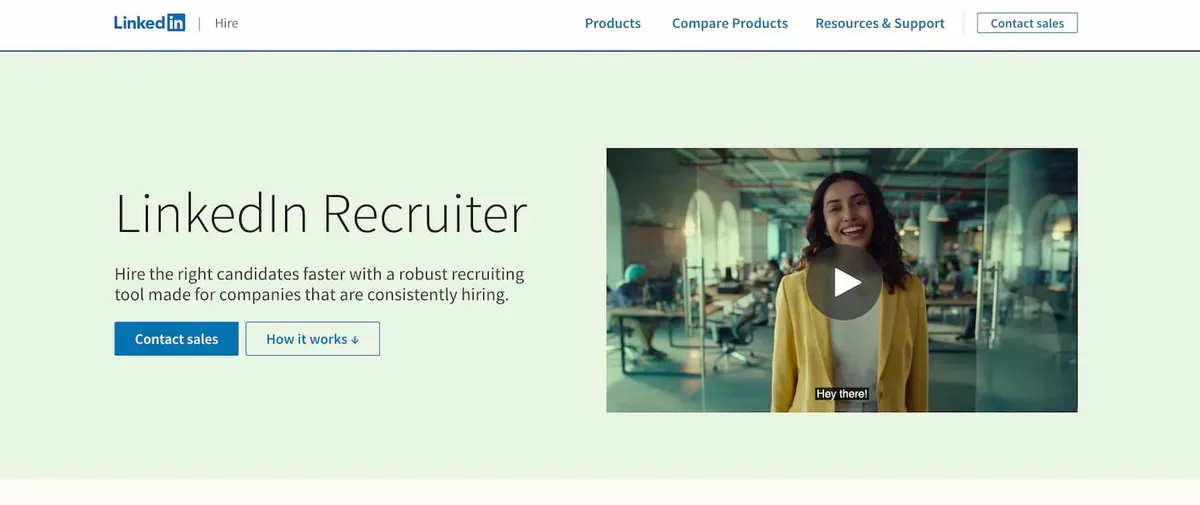
### LinkedIn RecruiterThe default sourcing tool for most recruiters. Access to LinkedIn’s full 1B+ member database with 40+ search filters, Spotlights for engagement signals, and InMail for direct outreach. Available in Lite and Corporate versions. To get the most out of the platform, review these 7 proven sourcing techniques for LinkedIn Recruiter.
Best for: Any recruiter who sources primarily from LinkedIn. Works well as a standalone tool for small teams or as a discovery layer paired with a CRM for larger teams.
Pricing: Recruiter Lite ~$170/mo, Corporate ~$835/mo. See our LinkedIn Recruiter cost breakdown.
Leonar
Searches three sources from one platform: a proprietary 870M+ profile database, your own existing candidate contacts, and live LinkedIn via your Recruiter or Sales Navigator account. That last one is unique — no other sourcing tool connects directly to LinkedIn search. Outreach runs across LinkedIn, email, InMail, and WhatsApp. AI scoring ranks profiles by relevance. Built-in CRM tracks the pipeline.
Best for: Teams that rely on LinkedIn and want sourcing, outreach, and CRM in one tool.
Pricing: $109/user/month ($89 annual). Professional: $179/user/month ($129 annual). Free trial.
Gem
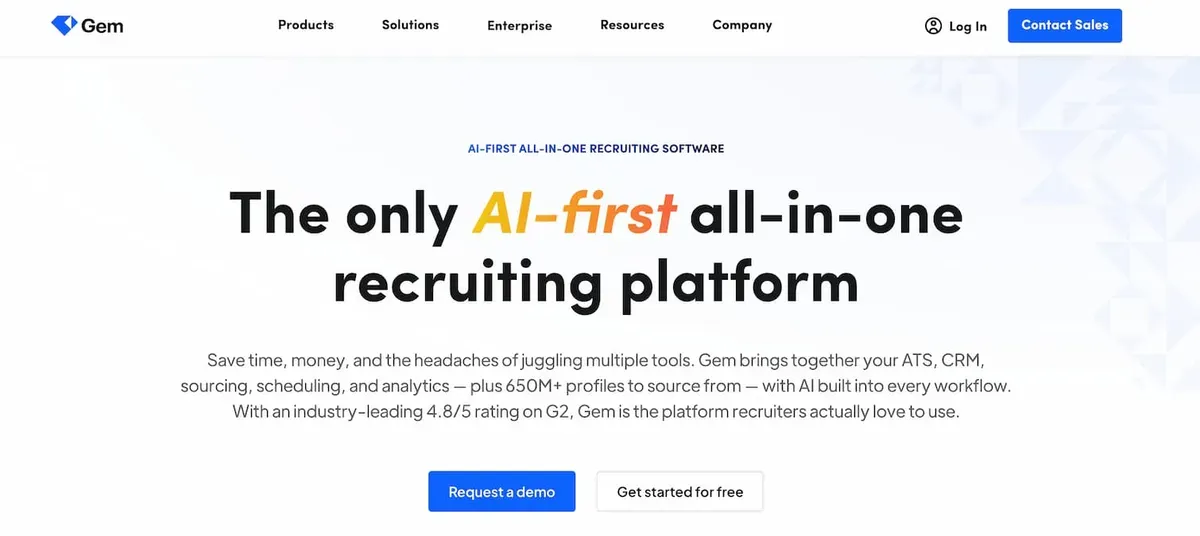
Combines sourcing, CRM, outreach sequencing, and analytics in one platform. Gem’s AI agents automatically resurface candidates from your existing database who match new roles (“rediscovery”), and its nurture sequences track engagement over time. Deep integrations with Greenhouse, Lever, Workday, and Ashby.
Best for: Mid-to-large in-house teams that want sourcing + CRM + analytics without juggling multiple tools.
Pricing: From ~$135/user/month. Annual contracts.
SeekOut
Searches 800M+ profiles with strong diversity sourcing features — EEOC filters, veteran status, and diversity analytics. Also excels at technical talent discovery through patent, publication, and GitHub data.
Best for: Enterprise teams with diversity hiring goals and technical recruiting needs.
Pricing: Custom pricing based on team size and features.
HireEZ
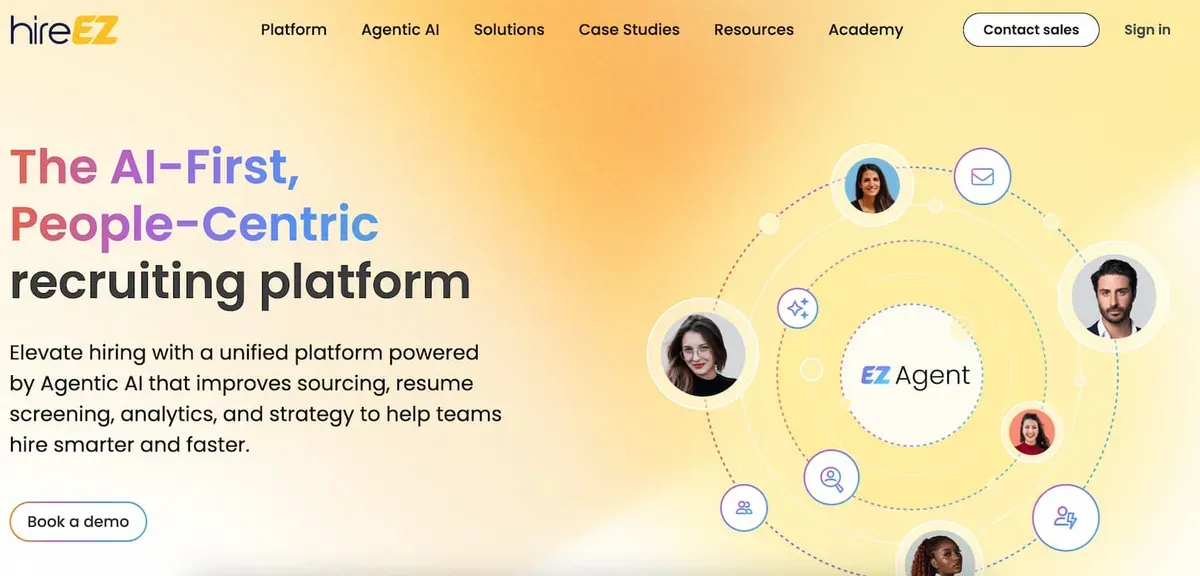
AI-powered sourcing across 45+ platforms (LinkedIn, GitHub, Stack Overflow, academic databases). Features Boolean and AI search modes, automated outreach sequences, and market talent mapping.
Best for: Teams that source beyond LinkedIn and need broad coverage across technical and niche platforms.
Pricing: From $169/user/month (Startups plan). Professional plan from $199/user/month.
Fetcher
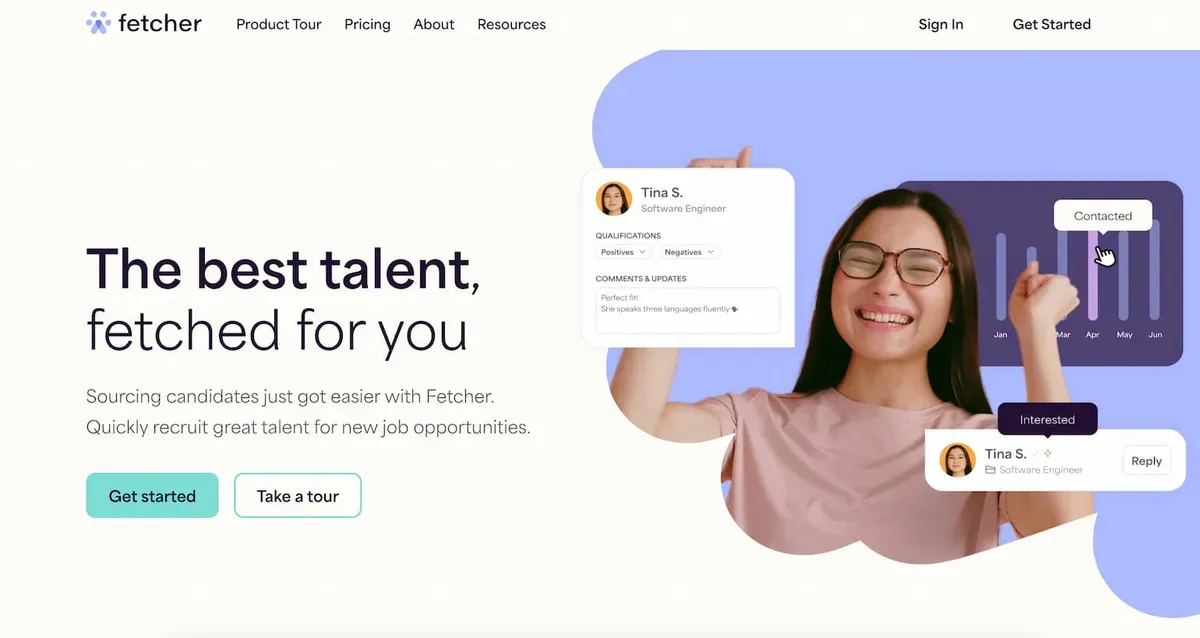
Combines AI automation with human recruiter review. You set sourcing criteria, Fetcher’s AI finds candidates, and human reviewers verify quality before presenting a curated shortlist. Also includes automated email outreach.
Best for: Teams that want AI efficiency but value human quality checks on sourced candidates.
Pricing: From $149/user/month. Free version with limited features available.
AmazingHiring
Aggregates data from 50+ sources with a strong focus on technical profiles — GitHub contributions, Stack Overflow activity, Kaggle competitions, and more. AI scoring rates candidates based on technical skill indicators beyond self-reported data.
Best for: Engineering-heavy companies hiring developers, data scientists, and DevOps engineers.
Pricing: From ~$300/user/month. Enterprise plans available.
Loxo
All-in-one platform combining sourcing (1.2B+ profile database), CRM, ATS, and multi-channel outreach. The free plan includes basic sourcing and CRM features, making it accessible for solo recruiters and small agencies.
Best for: Agencies and small teams that want one platform for the entire recruiting workflow without paying for separate tools.
Pricing: Free plan available. Paid plans from ~$119/user/month.
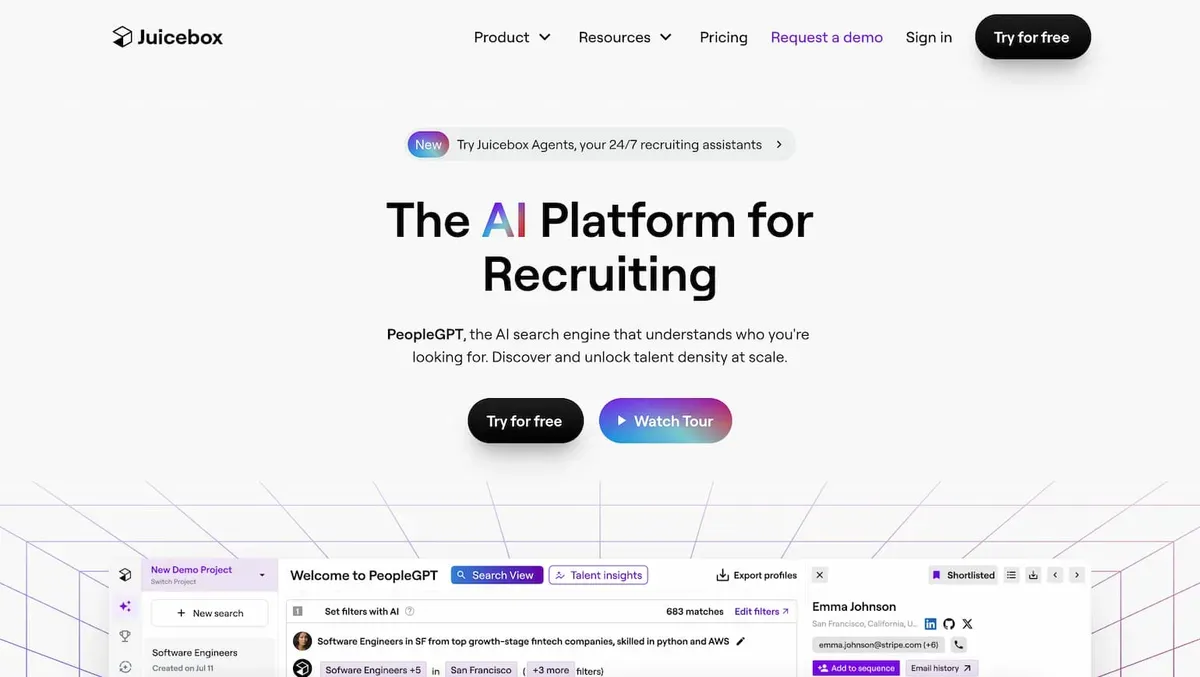
Juicebox (PeopleGPT)
Natural language AI search — describe the candidate you want in plain English (e.g., “senior product designer who worked at a B2B SaaS company in Europe”) and the AI finds matches. No Boolean syntax needed.
Best for: Recruiters who find Boolean search complex and prefer conversational AI interfaces. For a detailed comparison with similar AI-powered tools, see our top Juicebox alternatives.
Pricing: From $79/seat/month (annual billing). Free trial available.
Manatal
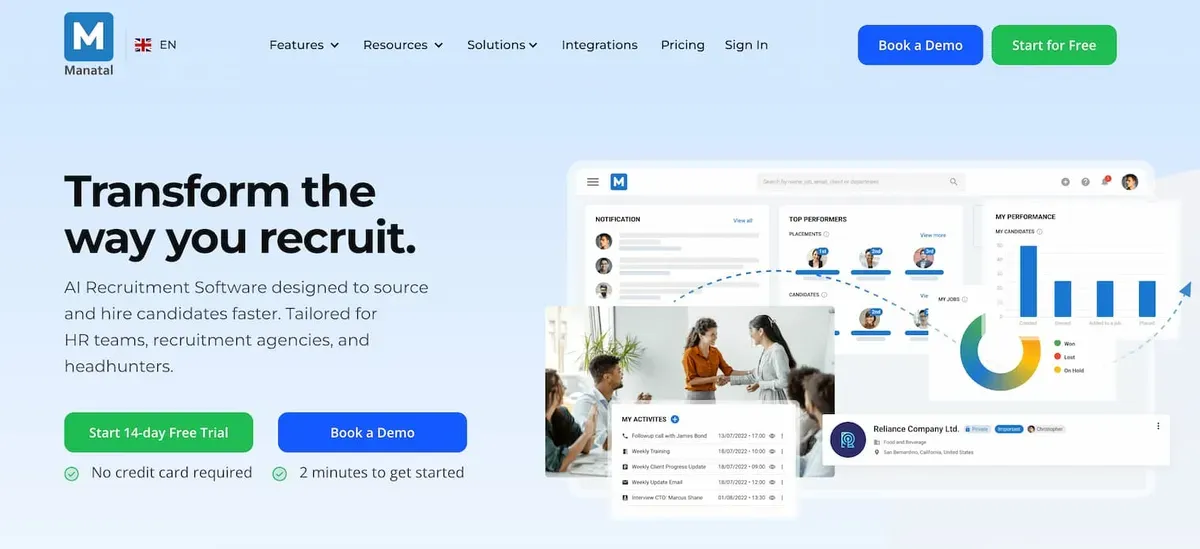
Cloud-based ATS with integrated sourcing features at a budget-friendly price. Includes AI candidate scoring, LinkedIn Chrome extension for profile import, social media enrichment, and kanban pipeline management.
Best for: Small to mid-sized teams that need ATS + basic sourcing without enterprise pricing.
Pricing: From $15/user/month. 14-day free trial.
Findem
Uses an “attribute-based” search approach — instead of filtering by keywords, you search by professional attributes (career trajectory, company growth stage, funding history) that traditional filters cannot capture.
Best for: Strategic hiring where you need candidates with specific career patterns, not just keyword matches.
Pricing: Custom pricing. Demo available.
Bullhorn
The industry-standard platform for staffing agencies. Combines a candidate database with a sales CRM, automated workflows (via Herefish), and integrations with major job boards. Sourcing features include resume parsing, LinkedIn integration, and talent marketplace access.
Best for: Medium to large staffing agencies managing both candidate and client relationships.
Pricing: Starter from $99/user/month. Corporate from $199/user/month. Enterprise: custom.
Humanly
Conversational AI platform that automates the early screening stage. A chatbot engages candidates with qualifying questions, schedules interviews, and surfaces top matches — reducing manual screening time by up to 80%.
Best for: High-volume hiring teams (retail, hospitality, healthcare) where initial screening is the bottleneck.
Pricing: Custom pricing based on hiring volume.
How to choose the right sourcing tool
The best tool depends on your specific context. Here is a framework for deciding:
By team size
- Solo recruiter or small team (1-5): Start with LinkedIn Recruiter Lite + Manatal or Loxo (free plan). Low cost, covers search + basic CRM + outreach.
- Mid-size team (5-20): Gem, HireEZ, or SeekOut. These provide the analytics, collaboration features, and automation that growing teams need.
- Enterprise (20+): SeekOut, Gem, or Findem. Enterprise features include SSO, advanced reporting, compliance tools, and dedicated support.
By hiring focus
- Technical roles: AmazingHiring or HireEZ — they index GitHub, Stack Overflow, and technical communities that general tools miss.
- Diversity hiring: SeekOut — strongest diversity filters and analytics in the category.
- High-volume hiring: Humanly — conversational AI handles initial screening at scale.
- Agency recruiting: Bullhorn or Loxo — built for managing multiple clients and candidate pipelines simultaneously.
- Budget-conscious: Manatal ($15/mo) or Loxo (free plan) — serious features at accessible prices.
By workflow preference
- All-in-one: Loxo or Gem — sourcing, CRM, outreach, and analytics in a single platform.
- Best-of-breed: LinkedIn Recruiter for sourcing + a separate CRM (best recruitment CRMs) + an outreach tool (recruiting automation). More flexibility, more integrations to manage.
- AI-first: Juicebox or Findem — if you want AI to handle candidate discovery rather than manual filter-based search.
Common mistakes when selecting sourcing software
Choosing based on database size alone. A tool claiming 1B profiles means nothing if the data is stale, unverified, or irrelevant to your market. Ask for data freshness metrics and email deliverability rates during demos.
Ignoring outreach capabilities. A sourcing tool that finds candidates but cannot help you contact them creates a handoff problem. You end up copy-pasting profiles between tools. Prioritize tools with built-in outreach or tight integrations with your messaging platform.
Paying for features your team will not use. Enterprise platforms like SeekOut and Findem are powerful but complex. If your team hires 20 people a year, you do not need talent analytics dashboards and market mapping. Match the tool to your actual hiring volume.
Not testing with your real searches. Every tool demos well with generic searches. During evaluation, run your actual open roles through each platform and compare the quality and quantity of results. A tool that excels for engineering roles may underperform for sales or marketing.
Overlooking integration quality. “Integrates with your ATS” can mean anything from a robust bi-directional sync to a basic CSV export. Test the actual integration during your trial — does candidate data flow automatically, or does your team need to manually sync?
Neglecting the outreach learning curve. Multi-channel automation tools are powerful but require setup: email domain warming, LinkedIn connection limits, message template creation. Factor in 2-4 weeks of onboarding before you see results.
FAQ
What is candidate sourcing software?
Candidate sourcing software helps recruiters proactively find and contact potential candidates from external databases — LinkedIn profiles, GitHub repositories, personal websites, and other public sources. Unlike an ATS (which manages inbound applicants), sourcing tools focus on outbound discovery and outreach.
What is the difference between sourcing software and an ATS?
Sourcing software finds new candidates who have not applied. An ATS manages candidates who have already entered your hiring pipeline (through applications, referrals, or sourcing). Most teams use both: sourcing software to fill the top of the funnel and an ATS to manage candidates through interviews and offers. See our ATS vs CRM guide.
How much does candidate sourcing software cost?
Prices range from free (Loxo basic plan) to $300+/user/month (AmazingHiring, enterprise tools). Budget options like Manatal start at $15/user/month. LinkedIn Recruiter Lite costs ~$170/month. Most enterprise tools (SeekOut, Findem, Gem) require custom pricing based on team size.
What is the best free sourcing tool?
Loxo offers the most capable free plan, including basic sourcing from a 1.2B+ profile database, CRM features, and limited outreach. LinkedIn’s free search (without Recruiter) provides basic Boolean search across your network. For email finding specifically, Hunter.io and ContactOut offer free tiers.
Do I need sourcing software if I already have LinkedIn Recruiter?
LinkedIn Recruiter is excellent for sourcing on LinkedIn but limited to that single platform. Dedicated sourcing tools like HireEZ and AmazingHiring aggregate profiles from 45-50+ platforms — GitHub, Stack Overflow, academic databases, personal websites — finding candidates that LinkedIn misses. If you source primarily passive technical talent, a multi-platform tool adds significant value.
What features matter most in sourcing software?
For most teams, the top three features are: (1) search quality — how relevant are the results, (2) contact enrichment accuracy — can you actually reach the candidates you find, and (3) outreach automation — can you send personalized messages at scale without manual copy-pasting.
Can sourcing software replace a recruiter?
No. Sourcing software automates the repetitive parts of sourcing — searching databases, finding contact info, sending initial outreach. But evaluating candidate fit, building relationships, selling the opportunity, and managing the interview process still require human judgment and interpersonal skills.
How do I measure the ROI of sourcing software?
Track these metrics: response rate (percentage of sourced candidates who reply), source-to-hire rate (percentage of sourced candidates who get hired), cost per hire from sourced candidates vs. other channels (job boards, agencies), and time-to-fill for sourced vs. inbound roles. A good sourcing tool should reduce your cost per hire and time-to-fill compared to manual sourcing or agency fees.
Wrapping up
Pick your sourcing tool based on your actual bottleneck, not a feature checklist. If the problem is finding candidates, focus on search quality (SeekOut, Findem). If it is reaching them, prioritize enrichment and outreach (HireEZ, Fetcher). If you need the full loop — finding, contacting, and tracking — look at all-in-one platforms like Gem, Loxo, or Leonar (which adds live LinkedIn search to the mix).
Detailed tool reviews in our best talent sourcing platforms guide. For CRM and pipeline management, see recruitment CRM software. For outreach optimization: recruiting automation and LinkedIn Recruiter automation.

Author
André Farah
Co-founder
Co-founder at Leonar, focused on recruiting workflows, sourcing strategy, and outbound process design.